IPHONE · WEB APP
A stats sticker for your Instagram story, on iPhone
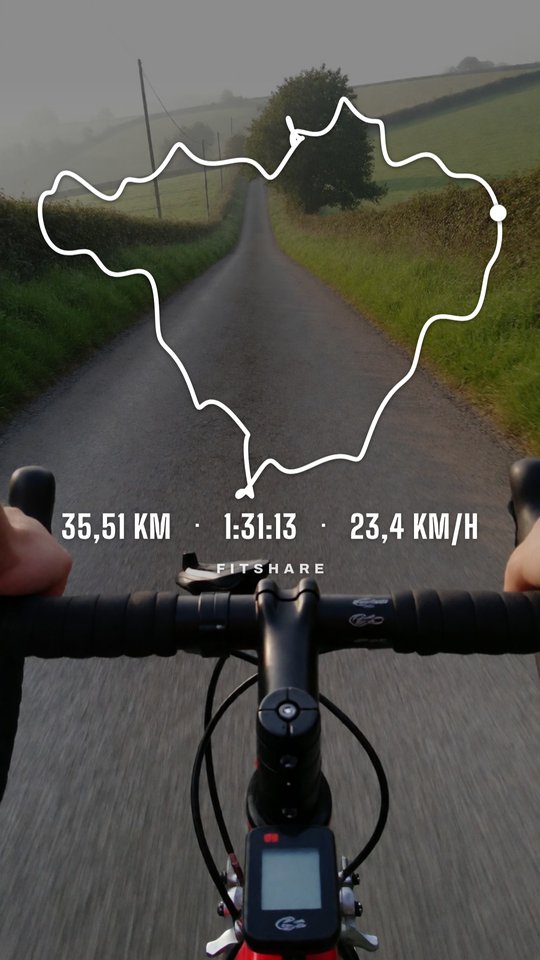
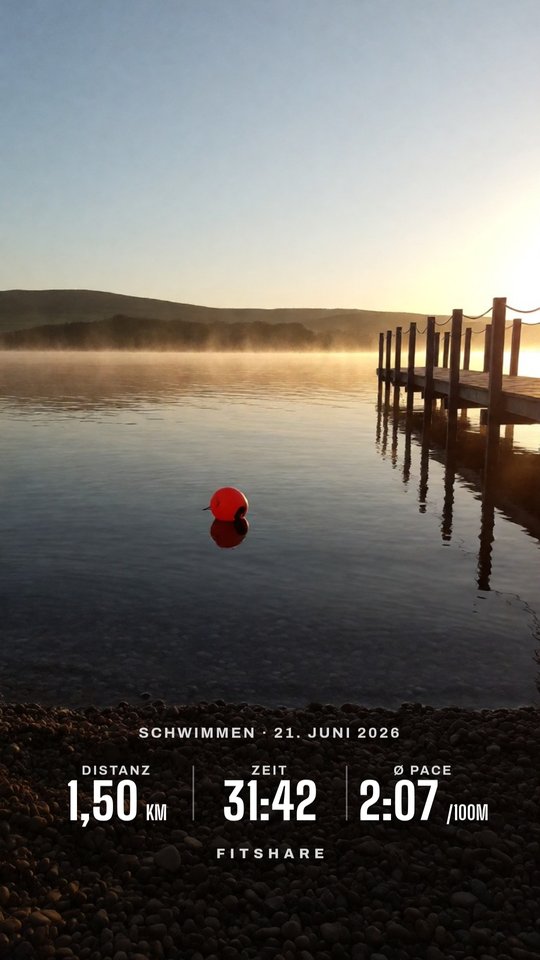
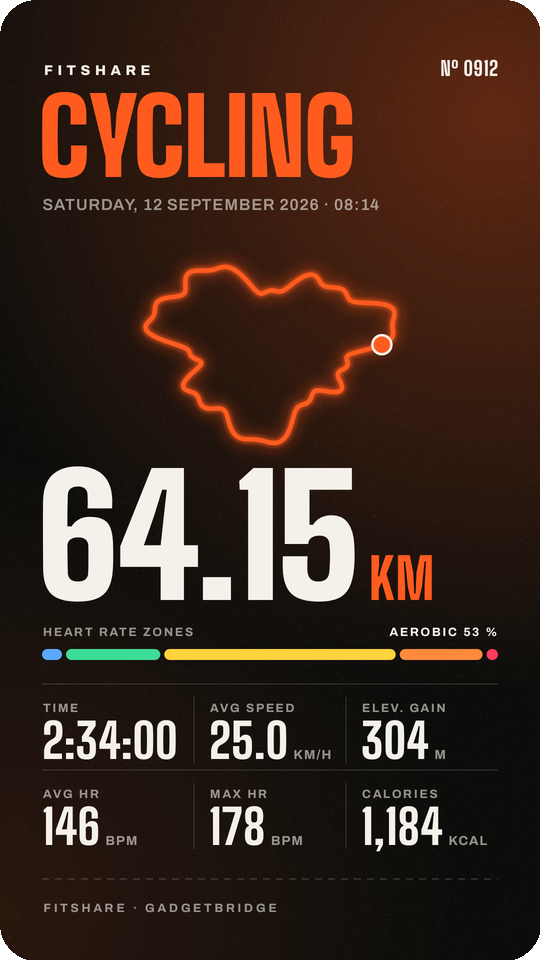
FitShare runs in Safari. Save the share picture from your fitness app, open it in the web app, and you get a transparent sticker with distance, time and heart rate. You don't need the App Store, an account or a subscription.
- In your fitness app, open the workout, tap Share and choose Save Image.
- Open brickystudios.github.io/FitShare/app in Safari and pick the picture from Photos. FitShare reads distance, time, heart rate and calories off it.
- For the map, also pick the workout's GPX or TCX from the Files app (Garmin Connect and Strava export it on their websites).
- Choose a layout, the stats and a colour, tap Share and pick Instagram, or Save Image.
- In Instagram, open a story, tap Stickers → Photo and pick the PNG.
Works with
Garmin Connect, Mi Fitness, Zepp, Huawei Health, Strava, Polar Flow and COROS, and any other app whose Share button sends a picture. GPX, TCX, FIT, KML and KMZ files work too, for the route, elevation profile and km splits.
Questions
Is FitShare in the App Store?
No. The web app runs in Safari and needs no installation. Share → Add to Home Screen gives it an icon like an app.
Why doesn't FitShare show up in the iPhone share sheet?
iOS only lists App Store apps there. Saving the picture first takes one extra tap.
Is my picture uploaded?
No. Text recognition runs in Safari on your phone. The page loads about 8 MB of recognition data the first time and then works offline.
Which apps work?
Any app that shares a picture of the workout, for example Garmin Connect, Mi Fitness, Zepp, Huawei Health, Strava, Polar Flow and COROS. Gadgetbridge and Samsung Health are Android-only.