FREE ANDROID APP · OPEN SOURCE
Your workout.
As a sticker.
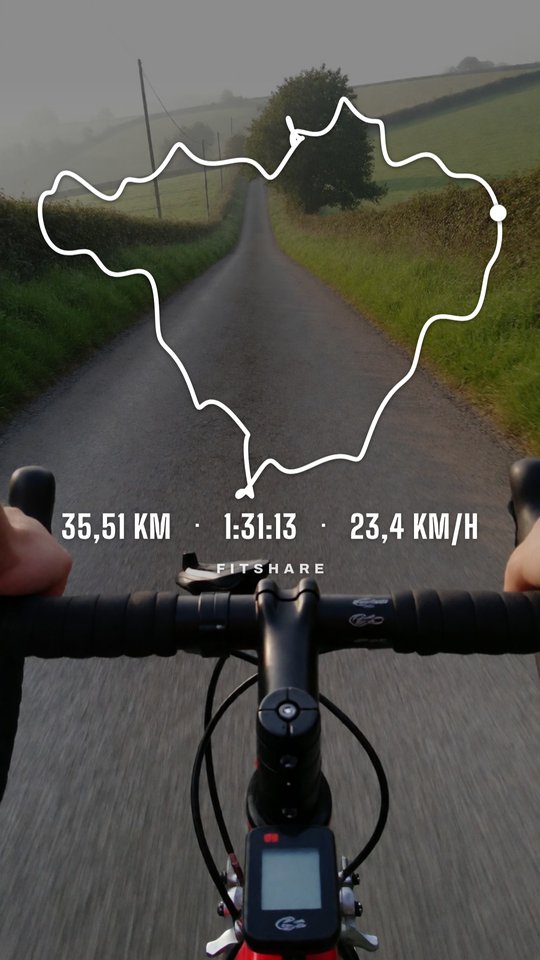
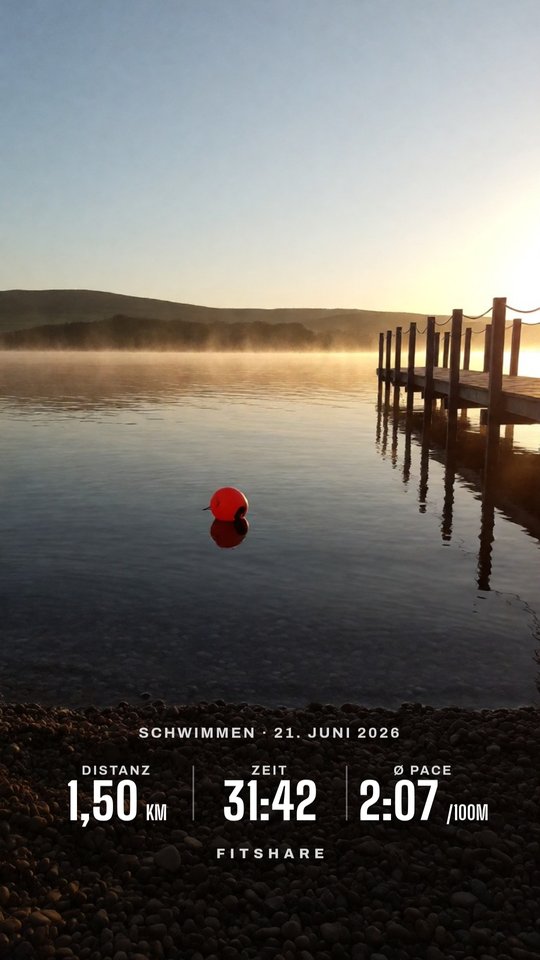
Tap Share in Mi Fitness, Garmin Connect, Zepp or Huawei Health, pick FitShare, and you get a transparent PNG for your Instagram story with distance, time and heart rate. Add the GPX and the route goes on it too. Like Strava's stats sticker, without Strava, an account or a subscription.
Download the APKOpen in the browser
The APK needs Android 8.0 or newer and no account. It fetches its own updates from GitHub. The web app runs on iPhone, Android and desktop with nothing to install; pictures and files never leave the device.
From fitness app to story in five taps
- In your fitness app, open the workout and tap Share.
- Pick FitShare. It reads distance, time, heart rate, calories and elevation off the picture.
- For the map, export the workout as GPX or TCX and share that file to FitShare too.
- Choose a layout, the stats and a colour, then tap Save PNG.
- In Instagram, open a story, tap Stickers → Photo and pick the PNG.
Works with the app you already use
Mi Fitness, Garmin Connect, Zepp, Huawei Health, Samsung Health, Strava: their share picture is enough. Also Gadgetbridge FIT and JSON, and routes as GPX, TCX, KML or KMZ.
Four overlay layouts
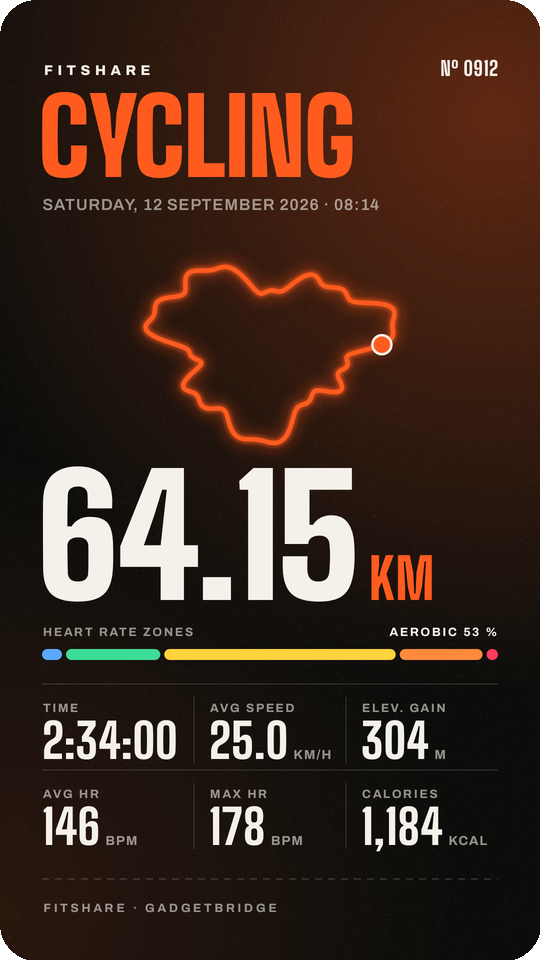
Stack, Row, Card and Map. Pick up to four stats in your order, white, black or the sport's colour. Or a finished design, Night or Race bib, as a 9:16 story or 4:5 post.
Elevation, heart rate, splits
Elevation profile, heart rate graph, km splits with your fastest kilometre, heart rate zones.
Your look, one tap away
Save a setup as a named look. The last eight exports stay in a history, so the next workout looks like the last one.
iPhone and desktop too
The web app does the same in Safari, Chrome or Firefox, without installing anything. Your files stay on the device.
No subscription
Elevation profile, splits and heart rate zones are free. Nothing in FitShare sits behind a paid plan.
Stays on your phone
Text recognition runs on the phone. No account, no analytics, no upload.
Guides
- Every fitness app: share button and GPX export at a glance
- Fitness stats sticker on iPhone, without an app
- Garmin Connect workouts as an Instagram story sticker
- Mi Fitness, Zepp and Mi Band workouts in your story
- How to share a Gadgetbridge workout to Instagram
- A Strava stats sticker without Strava
- Auf Deutsch: FitShare für jede Fitness-App
Questions
Is FitShare free?
Yes. It is open source under GPL-3.0, with no ads and no in-app purchases.
Which apps work?
Any app whose Share button sends a picture of the workout: Mi Fitness, Garmin Connect, Zepp, Huawei Health, Samsung Health, Strava, Polar Flow, COROS and others. Gadgetbridge exports and GPX or TCX files work too. FitShare reads Latin script, so the app can be set to English, German, French, Spanish and similar languages.
Do I get the map from the share picture?
No, only the numbers. For the route, the elevation profile and the km splits, also share the workout's GPX or TCX file. Where each app hides its export.
Do I need a subscription?
No. FitShare is free, and so is every layout and graph in it. You don't need Strava, Garmin Connect+ or any other paid plan.
Is there an iPhone version?
Yes, as a web app. Open brickystudios.github.io/FitShare/app in Safari, pick the saved share picture or a GPX file, and save the sticker. Tap Share → Add to Home Screen to keep it as an icon. It isn't in the App Store.
Is it on Google Play?
Not yet. Install the APK from GitHub Releases once. After that, FitShare finds new versions and installs them itself.
Does my data leave the phone?
No. Text recognition runs on the phone. The app only goes online to ask GitHub whether there's a new version and sends nothing else.